Math as it is written
Typing / builds a fraction, ^ a power, \ a root. Sums, integrals, limits, matrices and cases come from a palette or from a quick insert on Cmd+K.
Write a problem the way you would on paper, in real fractions, roots, integrals and matrices. MathPad works it out down the page, in numbers with their units or in symbols, and writes out each step the way it is taught.
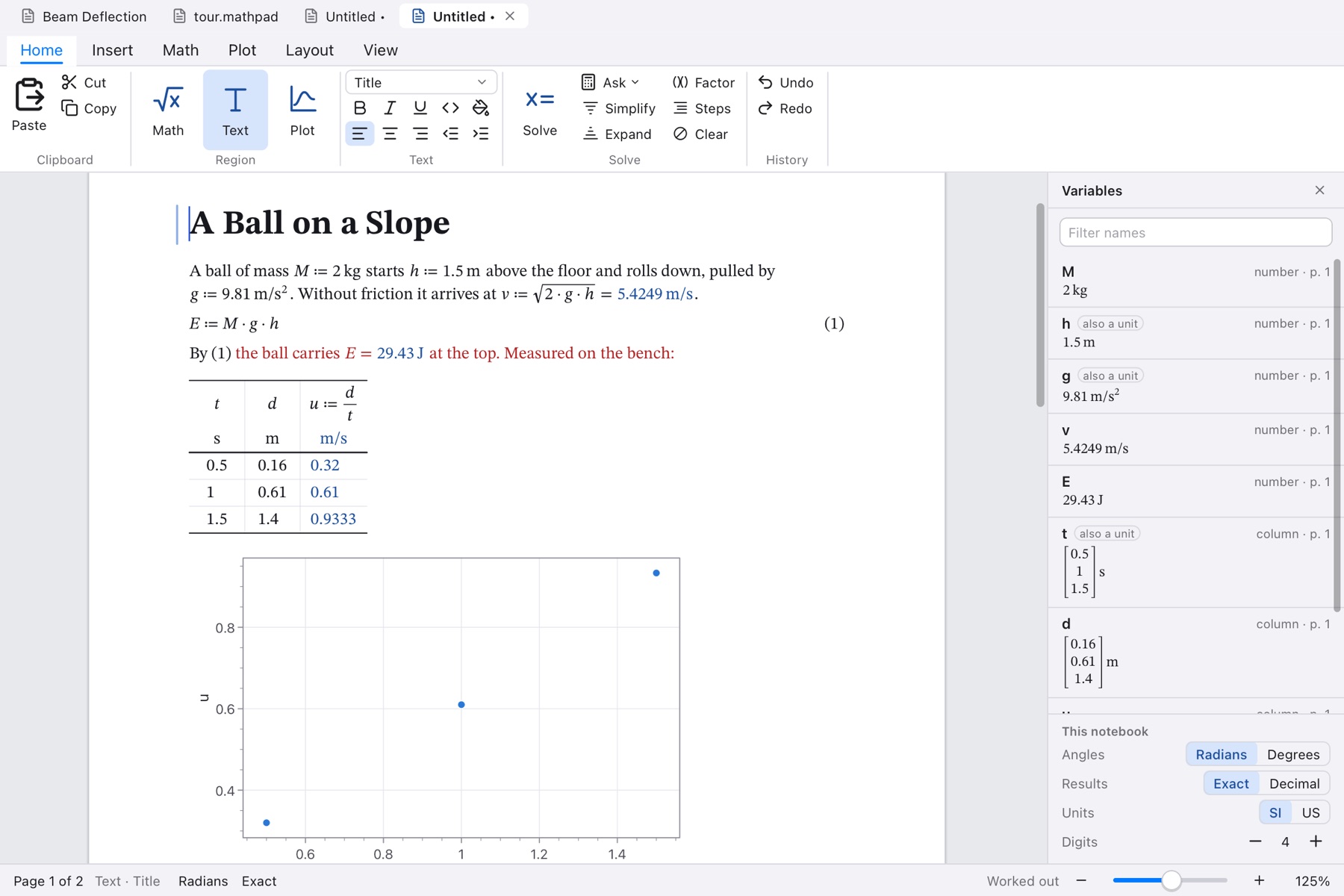
A notebook of real pages, worked out from the top down: a name defined on one line is known to every line below it.
Typing / builds a fraction, ^ a power, \ a root. Sums, integrals, limits, matrices and cases come from a palette or from a quick insert on Cmd+K.
Solving, factoring, differentiating and integrating write out their working: which rule, on what, giving what. Open the steps under any result, as deep as you want them.
SI and US units carried through every formula and checked. Results come in the units they were built from, kN·m or km/h, and convert when you type another unit after the equals sign.
Simplify, expand, factor, partial fractions. Equations, inequalities and systems. Derivatives, integrals, limits, series, sums, and differential equations with their conditions.
In numbers and in letters: determinant, inverse, row reduction, eigenvalues and eigenvectors, and Ax = b, each with its steps.
Roots, integrals and differential equations in numbers, statistics and curve fitting, and small programs with if, for and while.
Graphs, polar and parametric curves, points, surfaces and contours. Zeros, turning points and crossings marked, areas shaded, legends in typeset math.
Columns of data that are vectors, with a column worked out from the others. Sliders, check boxes and choices that set a variable, with everything below following as they move.
Type $ in a line of text and write math there, worked out like any other. Number an equation and refer to it; the references follow the numbers.
Letter, A4 and others, with margins, headers and page numbers. Export as PDF, LaTeX, Markdown, a web page or plain text.
Every answer comes from the rules of algebra and calculus, worked on your computer; the only thing MathPad fetches is its own updates. The same question gives the same answer, and each step can be checked by hand.
The guide is written into the app with samples that are live, and a welcome notebook teaches the typing in ten lines.
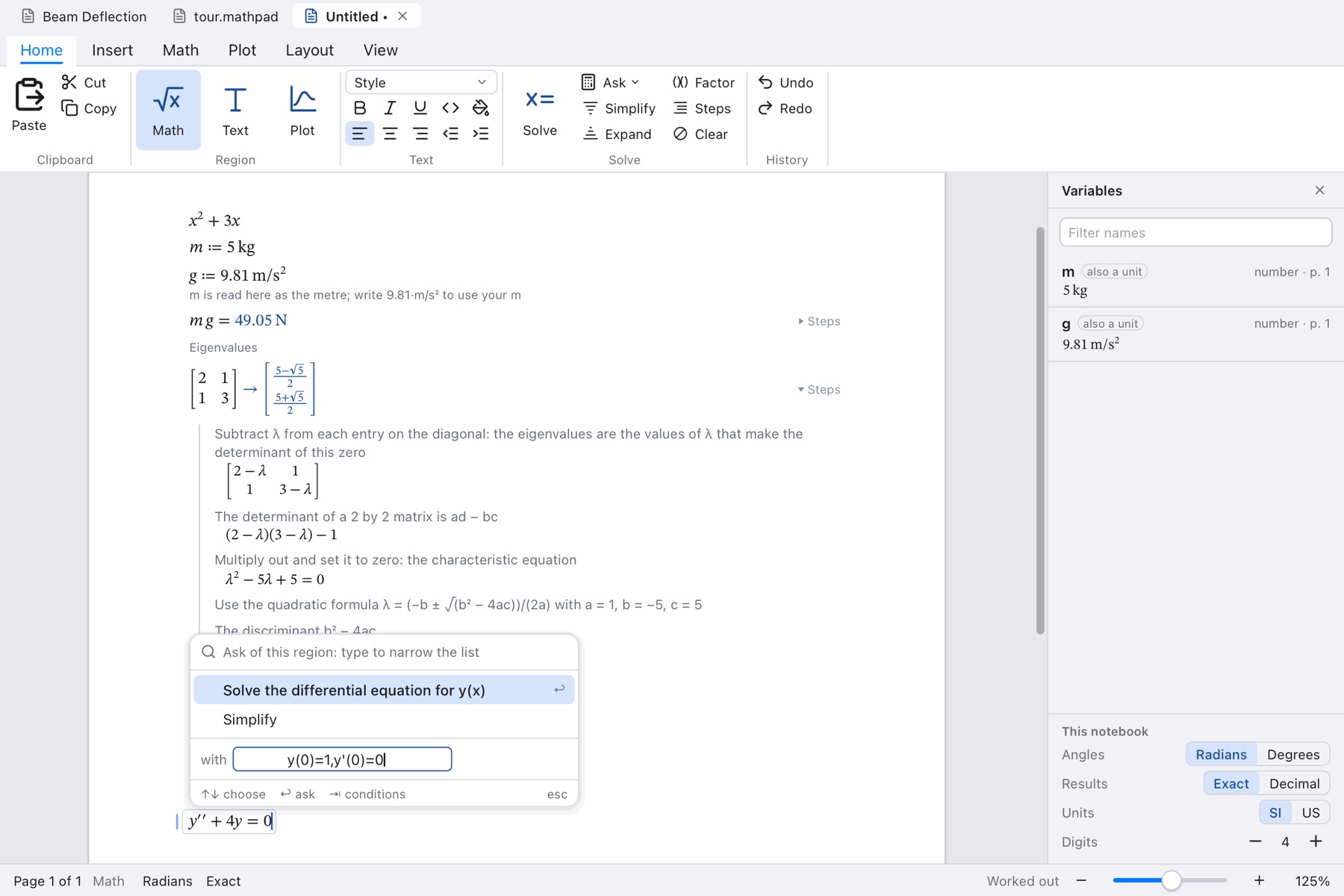
End a line with = for a number or -> for an answer in symbols. Cmd+Return lists what can be asked of the line: solve, simplify, differentiate, integrate, and the rest. The palette at the side has every template, symbol, function and unit.
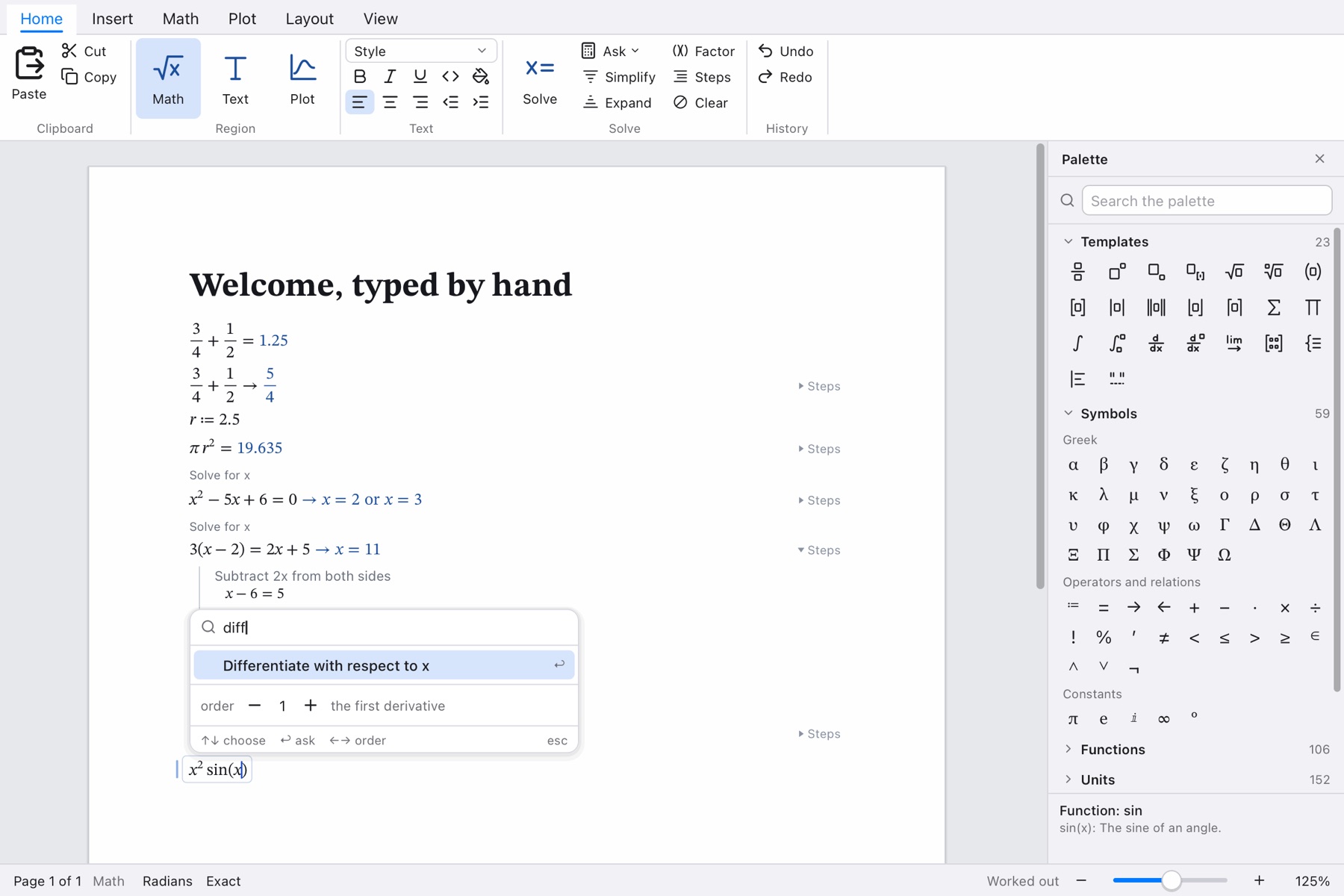
Here the eigenvalues of a matrix: subtract λ on the diagonal, take the determinant, multiply out, use the quadratic formula. Below it a differential equation is about to be solved with its starting conditions.
An engineering calculation reads like the hand calculation it replaces. Give the load in kN, the span in m and the section in mm; the second moment of area comes out in mm⁴ and the deflection in mm.
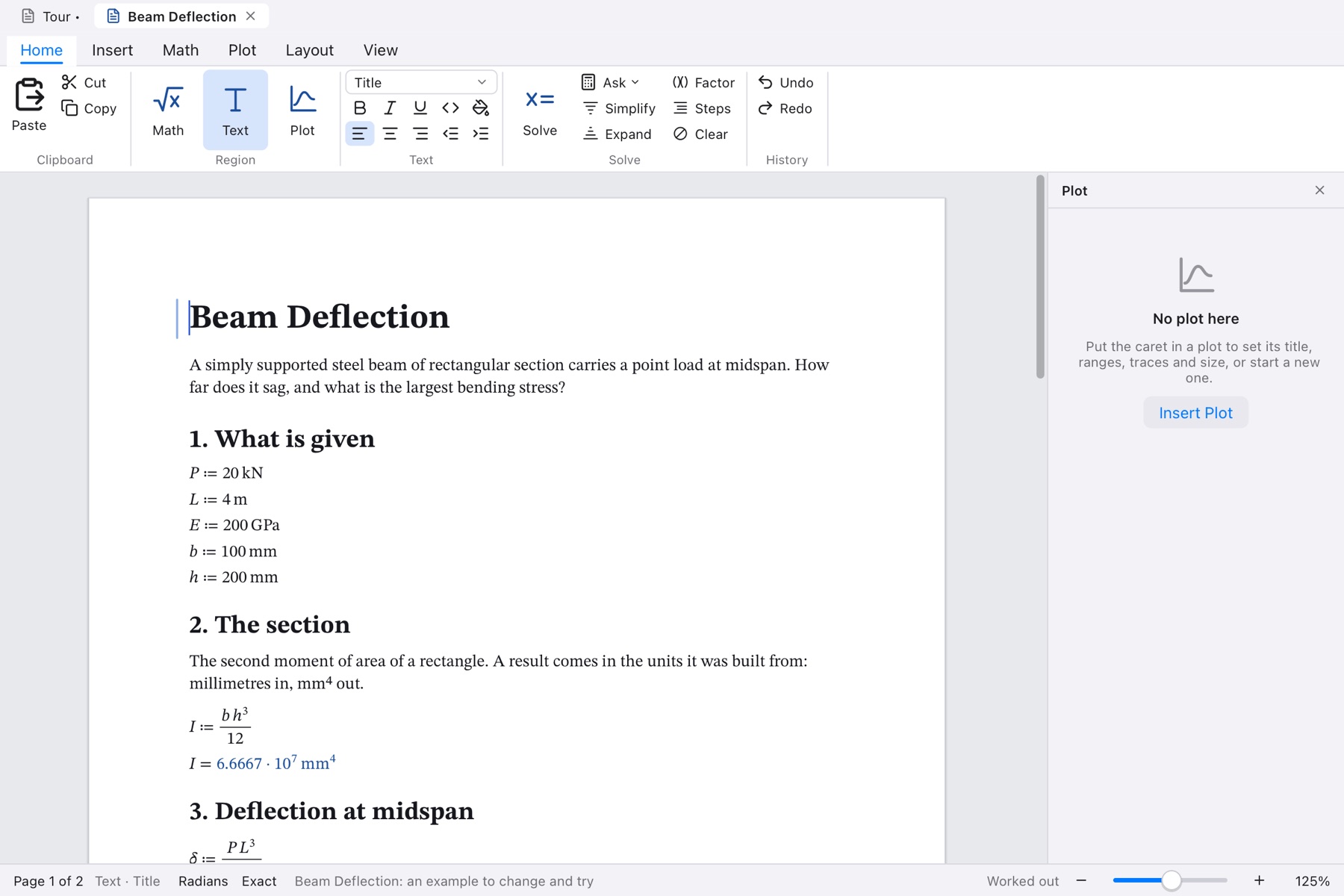
A plot is a region like any other, and its traces are math. Set titles, ranges and marks from the panel, drag to pan, scroll to zoom, and read values off under the mouse.
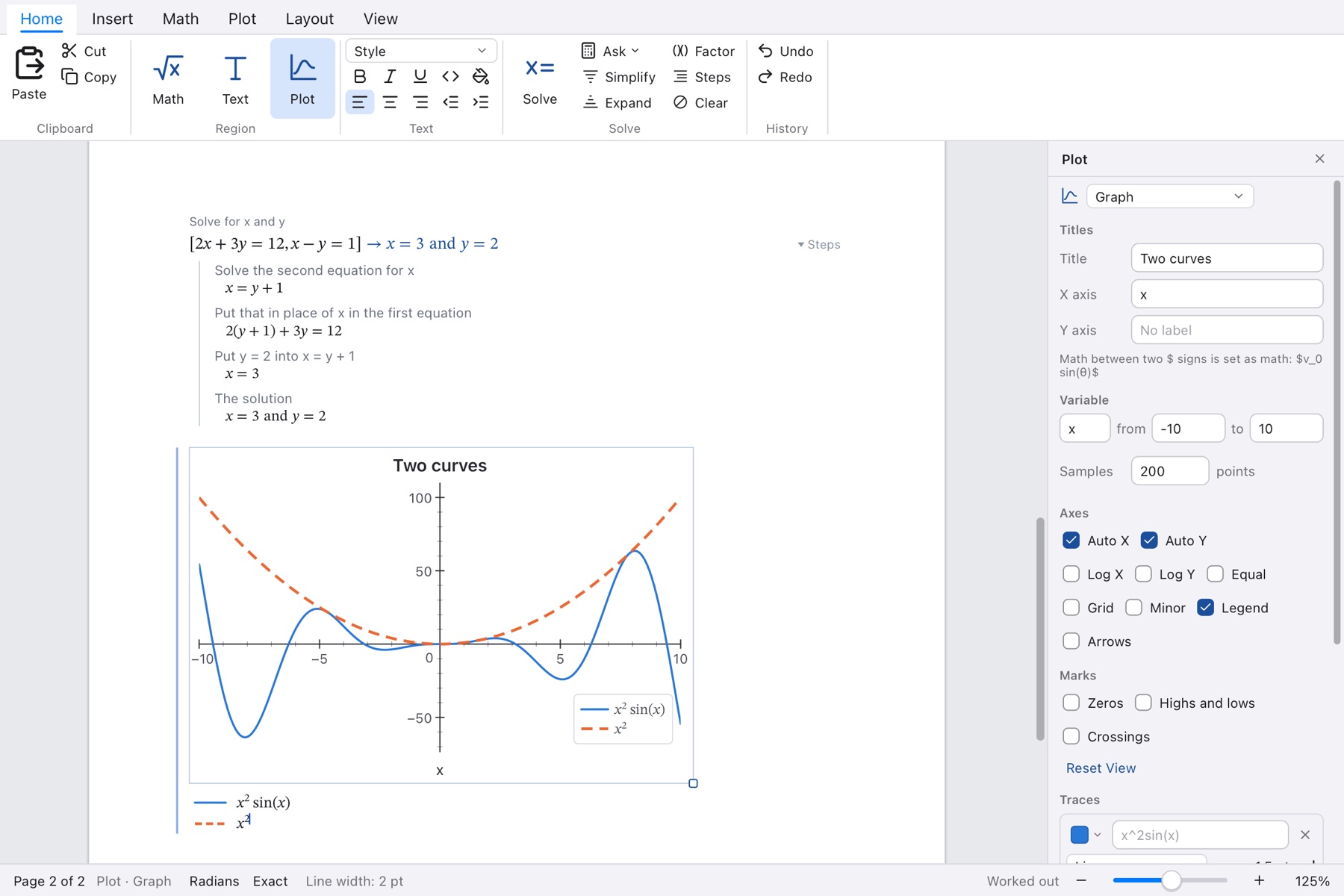
The window follows your system's appearance, pages and panels alike.
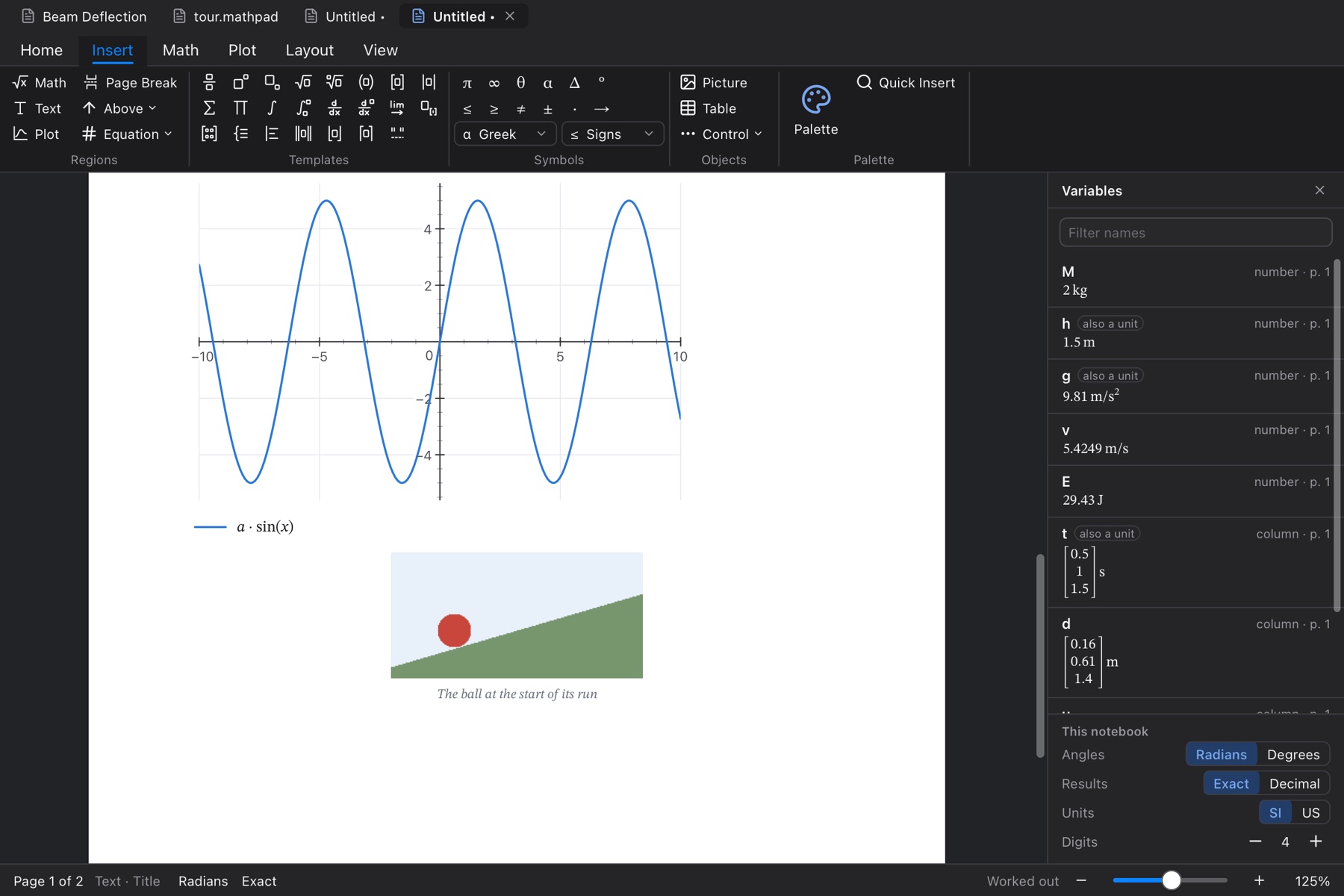
A handful of keys does most of it. The rest is in the palette.
| Type | To get |
|---|---|
| : | A definition: r ≔ 2.5 |
| = at the end | The number: πr² = 19.635 |
| -> at the end | The answer in symbols: ¾ + ½ → 5⁄4 |
| / ^ \ _ | A fraction, a power, a root, a subscript |
| 5 m | Five metres: a unit follows a number and a space |
| v = km/h | The value of v in kilometres per hour |
| $ in text | Math inside the sentence |
| Cmd+Return | Ask: what can be done with this line |
| Cmd+K | Quick insert: any template, symbol or function by name |
| Ctrl+M | A matrix |
The Examples menu opens ready-made notebooks. Open one and change its numbers to see what follows.
A tool should say where it stops. MathPad says so in its guide, and here.
MathPad shows its working so that you can check it. For anything that matters, do.
MathPad is being finished. It will run on macOS first, with Windows to follow.
The installer shows the licence terms and asks you to agree to them.